
Hosting decisions
Cloud hosting, VPS or shared hosting: what does your business actually need?
A five-page business website and a busy booking application do not need the same hosting arrangement. Start with the work the site must perform and the support it needs when something goes wrong.
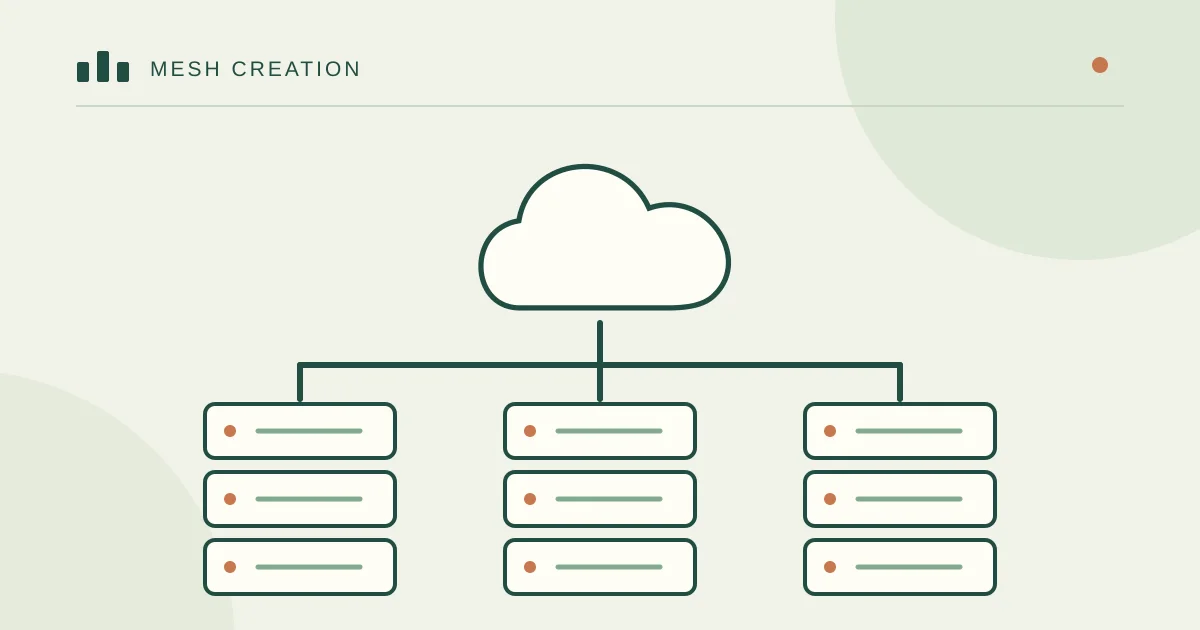
Understand what is being sold
Shared hosting places multiple customer accounts on provider-managed infrastructure. It can suit a straightforward business site when resource limits, isolation and support are appropriate. A VPS gives a virtual machine with more control, but someone must manage the operating system and services unless that work is included.
Cloud services cover a wide range of infrastructure and managed products. A “cloud hosting” plan might be a managed website service or a virtual server that still needs administration. Read the actual responsibility split instead of assuming that the label means automatic resilience.
Describe the workload before choosing a size
List the software, database, uploads, scheduled jobs, email and third-party connections. Note normal traffic and the busiest period. Logged-in shopping, search and booking requests behave differently from cached information pages.
Look at measured response time and resource use before increasing server size. A slow database query, oversized image or failing external API may need an application fix rather than a more expensive machine.
Buy the operating arrangement as well as the resources
Ask who installs security updates, investigates an outage, renews certificates and restores a failed database. “Managed” is useful only when the included tasks and response arrangements are clear. A low monthly server price can become expensive when maintenance is left unassigned.
Clarify backup frequency, retention and restore access. A provider snapshot on the same account is helpful, but it is not a complete answer to account compromise or accidental deletion.
- Check CPU, RAM, storage and transfer limits.
- Check application support and database compatibility.
- Check off-account recovery and the process for exporting your data.
Use a small decision exercise
For an information site with modest traffic, compare supported managed or shared plans first. For custom server software, workers or runtime control, assess a VPS and the cost of maintaining it. For a business-critical application, design recovery and availability around the actual loss the business can tolerate.
Do not select a plan by a promised visitor number alone. Ask the provider or developer to explain the assumptions and test the real application before making a long commitment.
Keep a route out
The business should know where its domain, files, database, mail and backups live. Make sure an authorised person can export them. This turns a future provider change into a planned project rather than an emergency dependency.
Mesh Creation can review an existing workload and explain a suitable hosting arrangement, maintenance scope and migration path. The useful outcome is a system that fits the business, not the largest server in a pricing table.
What should the provider manage, and what remains yours?
A cloud label does not specify the service boundary. Ask who patches the operating system, database and application; who checks failed backups; and who answers an outage alert at night. “Managed” may cover the server while excluding your WordPress plugins or custom code.
Write the answer into the quote. A small team may get more value from a well-managed shared or application hosting service than from a larger unmanaged VPS. With a VPS, root access brings both flexibility and responsibility.
Use your busiest hour to size the service
Consider a hotel website with photo-heavy pages and an enquiry form. Cacheable pages and a well-delivered image library may matter more than extra CPU. A booking engine with simultaneous searches, availability updates and payment callbacks has a different workload.
Test a representative page and a real application journey on staging. Record response time, errors, memory and database behaviour during expected traffic. Increase capacity when measurements show a bottleneck; a monthly visitor estimate alone is not enough to choose RAM or CPU.
- Ask for the renewal price and bandwidth or egress limits.
- Confirm backup storage, recovery help and restore charges.
- Check where users are located, then measure from those regions.
- Identify how you can export files, databases, DNS and mail when leaving.
Reader conversation
Share your experience
What has worked for you, or what would you like to know about this topic?
1. Verify your email
Choose Send code to receive a verification email. Your email address stays private.
2. Write your comment
Verify your email before submitting a comment.
Reader comments