
Business continuity
A website backup is only useful if you can restore the business
A green backup notification is reassuring. It does not prove that enquiries, orders, uploads and email can be recovered when a server or account fails. A business needs a recovery process, not just a collection of archives.
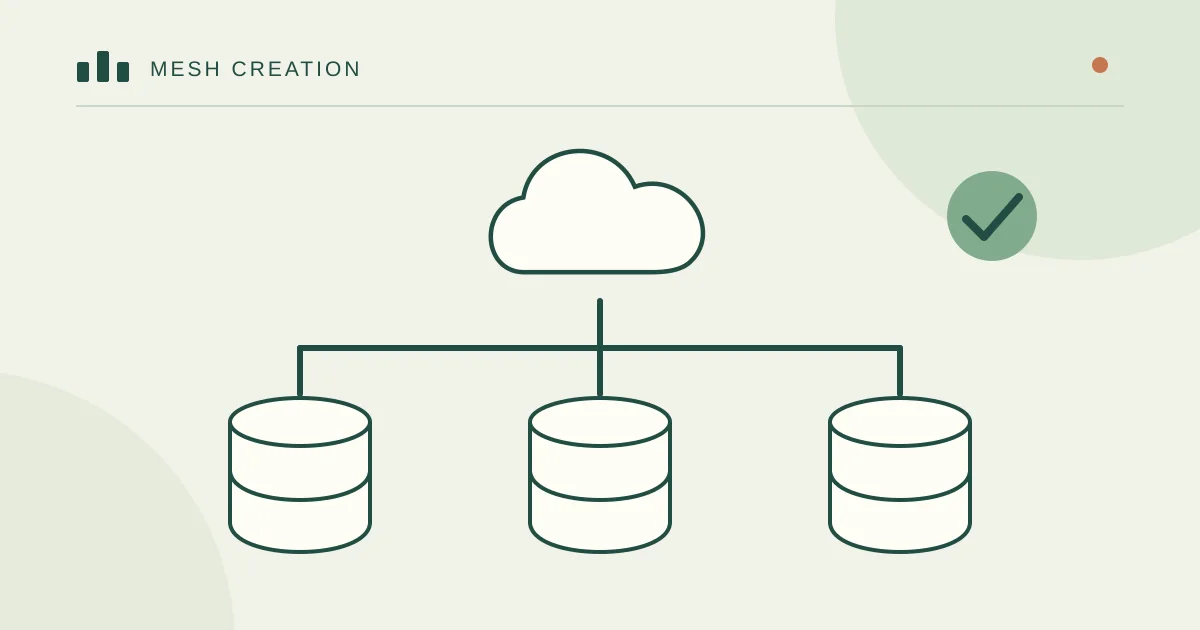
Start with two business questions
How much recent work could be lost without unacceptable harm? How long can the site be unavailable? An informational site and a busy booking system may need very different backup intervals and recovery arrangements.
Write the answers in plain language, such as “we need today’s confirmed bookings” and “the support team must have a working enquiry route.” Agree these needs before selecting a backup product.
Map what a working site depends on
List application files, uploaded media, databases, configuration, background jobs and third-party dependencies. Email may live outside the website server. A database export alone does not necessarily contain uploaded documents, and a file archive alone does not reconstruct transactions.
Record where domain and DNS access can be recovered. Keep secret values in an appropriate protected vault, with controlled recovery access, rather than placing credentials in the same shared document as the checklist.
Avoid one failure taking everything
Keep recoverable copies away from the production account, protect backup access and retain more than one point in time. An attacker or mistaken administrator should not be able to erase the website and every recovery copy through the same account.
Decide who monitors failed jobs and storage limits. Encrypt sensitive backup material and keep a documented retention policy. Keeping every customer record forever is not the same as having a sensible recovery plan.
Restore safely and verify real actions
Restore to an isolated environment. Stop test systems from sending real emails, charging customers or running duplicate background jobs. Confirm important records and file counts, then test login, search, forms and other critical actions with controlled data.
Record the time taken, missing dependencies and fixes needed. A successful restore exercise gives useful evidence; the existence of a download button does not. Repeat the exercise after substantial changes and on a schedule appropriate to the business.
Plan the move back to production
Assign an incident owner and define who can approve recovery. If production received orders after the backup, decide how those changes will be reconciled before switching traffic. Restoring an older database without this step can discard valid work.
Mesh Creation can help inventory the dependencies, run an isolated restore exercise and create a recovery checklist that another authorised person can follow.
Turn RPO and RTO into a business decision
RPO is the amount of recent data you can afford to lose; RTO is the target time to restore the service. As a planning example, a brochure site might accept a day of content changes while a busy booking business may need a much shorter recovery point. These are business targets to test, not guarantees that a backup plugin can provide.
List what would need reconciliation after recovery: orders, payment-provider records, enquiries and email received after the backup. Restoring the database from yesterday does not reverse a payment that already happened today.
Run a recovery drill with clear pass criteria
Restore into an isolated environment with outgoing customer emails and live payment actions disabled. Check the recovered files and database together, sign in, open representative pages and complete a safe test workflow. Time the process from locating the backup to a working application.
Record the backup date, restore duration, missing dependencies and named person who can repeat it. Keep another protected copy outside the server’s failure boundary. A snapshot in the same account is useful, but a compromised account may be able to delete both the server and its snapshots.
Reader conversation
Share your experience
What has worked for you, or what would you like to know about this topic?
1. Verify your email
Choose Send code to receive a verification email. Your email address stays private.
2. Write your comment
Verify your email before submitting a comment.
Reader comments