
WordPress help
An ageing WordPress website: make a maintenance decision before buying a rebuild
An older WordPress website can have several different problems at once: an expired support subscription, a plugin conflict and slow mobile pages. They do not necessarily share one cause. Start by describing what no longer works and what the business needs to keep. That makes it easier to choose a useful repair or upgrade without paying to replace working features.

Clarify what expired
A theme or plugin subscription expiry does not mean the whole website must immediately stop working. Check the supplier’s terms for that specific product: access to updates, support or a connected service may change. Record the product name, installed version and renewal owner. Avoid claiming that every premium product behaves the same way, and do not install an untrusted replacement just to avoid a renewal.
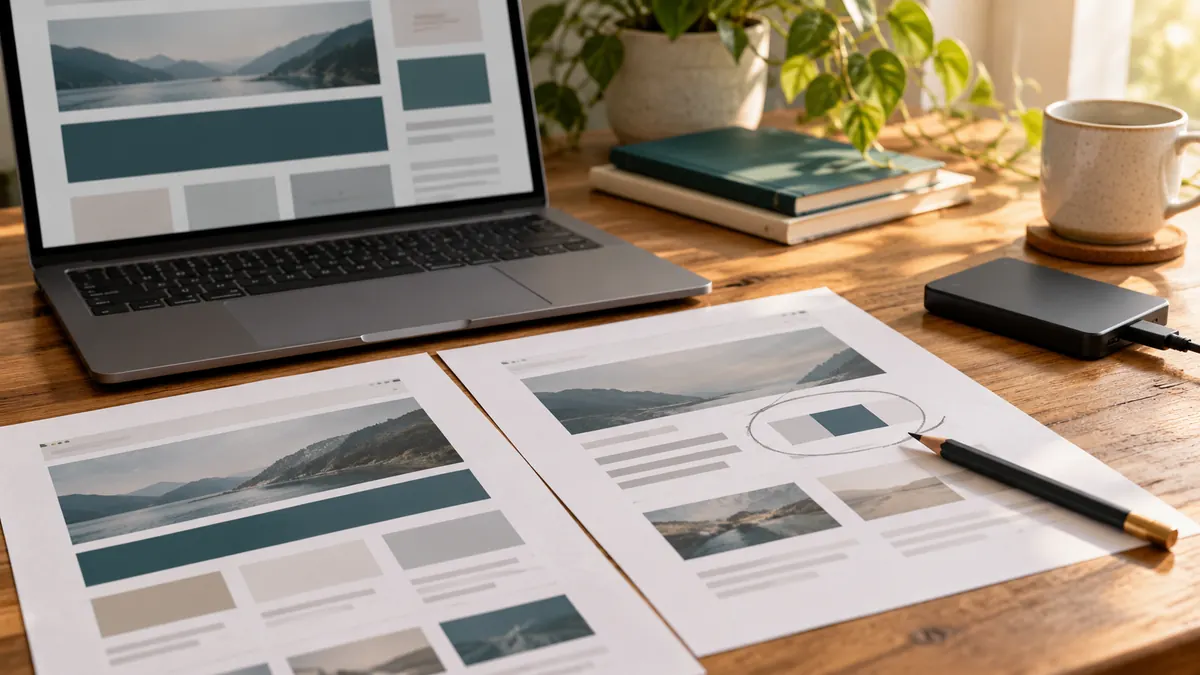
Separate visible symptoms
Write down one repeatable example: the menu fails on a phone, an enquiry form cannot submit, or the admin takes a long time to open. Note when it started and which change preceded it. A broken layout after an update suggests a different investigation from a consistently heavy product page. A new theme alone is not evidence that either problem will disappear.
Test before changing the live site
Keep a complete backup of files and database and establish how it can be restored. Use a staging copy for changes that could affect enquiries, logins or orders. Review compatibility and identify conflicts methodically instead of disabling everything on the public website. WordPress documents tools and approaches for troubleshooting; the right technique depends on the symptom and available access.
For example, a fictional business has a working catalogue but its enquiry button breaks after an extension update. The first task is to reproduce and isolate that failure. If the affected extension can be repaired or replaced without losing required behaviour, a full catalogue rebuild may add unnecessary work. This is an illustrative decision, not a claimed client result.
Choose the smallest sustainable change
A focused repair suits an isolated defect. An upgrade project may suit a maintained site with compatible replacements available. A partial rebuild can make sense when an abandoned component controls an important workflow. Before choosing, compare the required content, URLs, editing process and ongoing maintenance. Ask who will test the result and own future updates, rather than judging only the initial design proposal.
Your next step
A practical checklist
- Record the actual fault and the steps that reproduce it.
- Check product-specific support and update terms.
- Protect a recoverable backup and separate test environment.
- List the content, URLs and business functions that must remain.
- Compare repair and replacement by ongoing maintainability as well as price.